
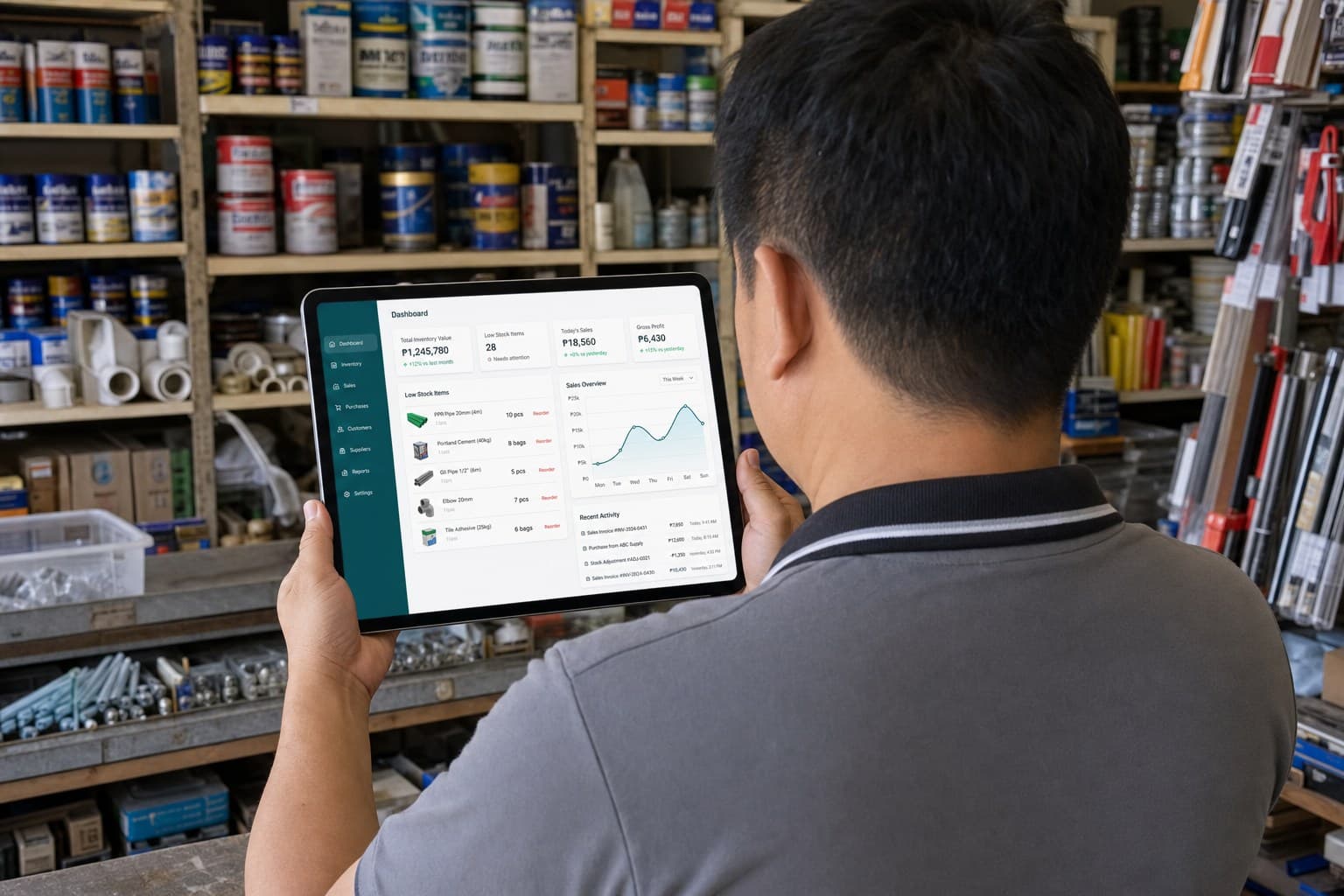
The operation stays connected from supplier to customer.
Instead of managing each part independently, Systemize keeps related records connected as work moves through the operation.
- 01Suppliers
- 02Purchasing
- 03Receiving
- 04Inventory
- 05Orders
- 06Sales
- 07Credit
- 08Delivery
- 09Reports
Products and inventory
Build a dependable catalog and keep every warehouse balance explainable.
Build a clean product catalog.Keep the information your team needs to identify, price, find, and manage every item.
- Products, categories, and units
- Configurable SKU generation and barcode values
- Product images on eligible plans
- Cost, selling price, and reorder thresholds
- Search, filters, archive, and restore
- CSV and XLSX product import
Product imports can create missing categories and units during import.
Know how much stock you have and why.Inventory is tracked by warehouse with a movement history behind changes, giving your team more than a single editable quantity.
- Stock per warehouse and opening stock
- Low-stock and out-of-stock visibility
- Adjustments with reasons and warehouse transfers
- Movement ledger, sales deductions, and receiving movements
- Return and reversal movements
- Batch and expiry tracking with FEFO lot consumption
- Configurable expired-stock policy
The balance tells you what exists now. The movement history explains how it got there.
Purchasing and receiving
Move from supplier pricing to received stock without losing context between steps.
Keep supplier information and pricing history together.Review what you previously paid before deciding where to buy again.
- Supplier directory and details
- Purchase history
- Product pricing history
- Supplier import
Plan purchases before they become stock problems.Separate what needs to be bought from what has actually been ordered from a specific supplier.
- Build Purchase Lists across multiple suppliers
- Seed lists from low-stock products
- Add items manually and print a purchasing checklist
- Create supplier-specific Purchase Orders
- Set destination warehouse, quantities, and expected costs
Record what actually arrived.A purchase order does not become stock automatically. Inventory changes when goods are actually received.
- Full and partial receiving
- Ordered versus received quantities
- Over-receipt prevention
- Destination warehouse and RECEIVE movements
- Supplier-price capture
- Batch and expiry capture
Customer operations
Keep quotations, orders, sales, credit, and delivery connected from inquiry to fulfillment.
Move from customer inquiry to confirmed order.Prepare flexible quotations, convert accepted quotes once, then preserve the relationship through order and sale.
- Draft, send, print, accept, decline, or expire quotations
- Free-text lines, fractional quantities, validity dates, discounts, and notes
- Convert an accepted quotation once
- Draft and confirm customer orders
- Fulfill orders into sales
Record sales without disconnecting stock and customers.Systemize records operational sales and payments while keeping warehouse quantities and customer history current.
- Product search and cart
- Item and order discounts
- Configurable payment methods and external references
- Stock validation and warehouse deduction
- Sales history, detail, and returns
- Retail, Contractor, and Account customer types
Systemize is not currently a complete BIR-accredited POS and does not manage cashier hardware or sessions.
Know who owes you, how much, and for how long.Replace a single customer balance with a traceable account history.
- Customer account balances, charges, payments, and credit notes
- Advisory credit limits and available credit
- Over-limit visibility
- FIFO payment settlement
- Overpayments recorded as customer credit
- 30/60/90 aging and customer statements
Follow customer orders through delivery.Schedule and track delivery for a sale or customer order through a clear operational lifecycle.
- Draft, Scheduled, Dispatched, Delivered, Failed, and Cancelled states
- Scheduling, rescheduling, and overdue calculation
- Drivers and vehicles
- Recipient information and failure reasons
- Links to sales or customer orders
Management and control
Coordinate follow-ups, understand performance, control access, and bring existing records in.
Keep operational follow-ups visible.Bring low stock, purchasing follow-ups, and assigned work into shared team workflows.
- Kanban tasks with Open, In Progress, and Done states
- Priorities, due dates, assignees, record links, and checklists
- Work Queue for low stock, orders awaiting receipt, purchase lists, and tasks
- Notifications
Use your records to make better operating decisions.Current reports turn daily transactions into practical management visibility.
- Sales: totals, trends, payments, products, categories, and branches
- Inventory: quantities, stock status, and value at cost
- Expiry: expired and expiring stock by time window
- Cost & Margin: net sales, COGS, gross profit, and margin
- Supplier Pricing: recent and historical supplier costs
- Customers: sales performance by type and date
Give people access without giving everyone everything.Manage the organization, locations, users, settings, and plan controls behind daily work.
- Organization profile, users, roles, and activation
- Branch assignments, permission presets, and branch switching
- Warehouses, SKU settings, and payment methods
- Expired-stock policy and module preferences
- Subscription usage and audit logs on eligible plans
- Tenant isolation through Row-Level Security and server authorization
Bring existing business data with you.Import common records from XLSX or CSV, preview issues before committing, and resolve common product conflicts.
- Products
- Suppliers
- Customers
- Opening stock
CURRENT SCOPE
Focused on operations, not every ERP function.
Systemize deliberately focuses on the operational workflows many growing inventory-based businesses need today.
- Official BIR-compliant invoice or POS issuance
- Payment-gateway automation and automatic renewals
- Full accounting
- Payroll and HR
- Manufacturing
- Physical stock-count sessions
- Inventory reservations
- Customer and supplier portals
- E-commerce
- Full offline checkout
- Automation and AI workflows