
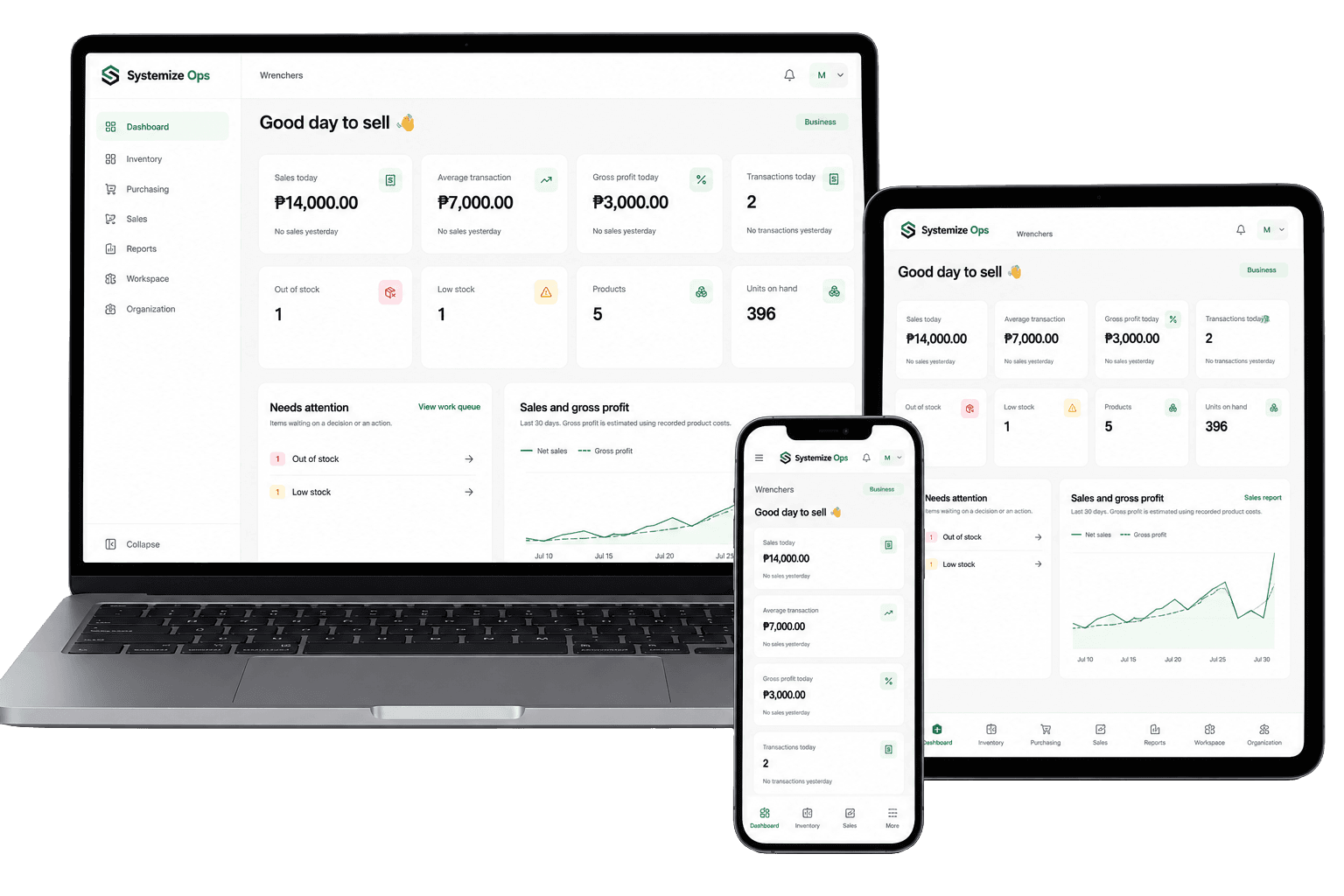
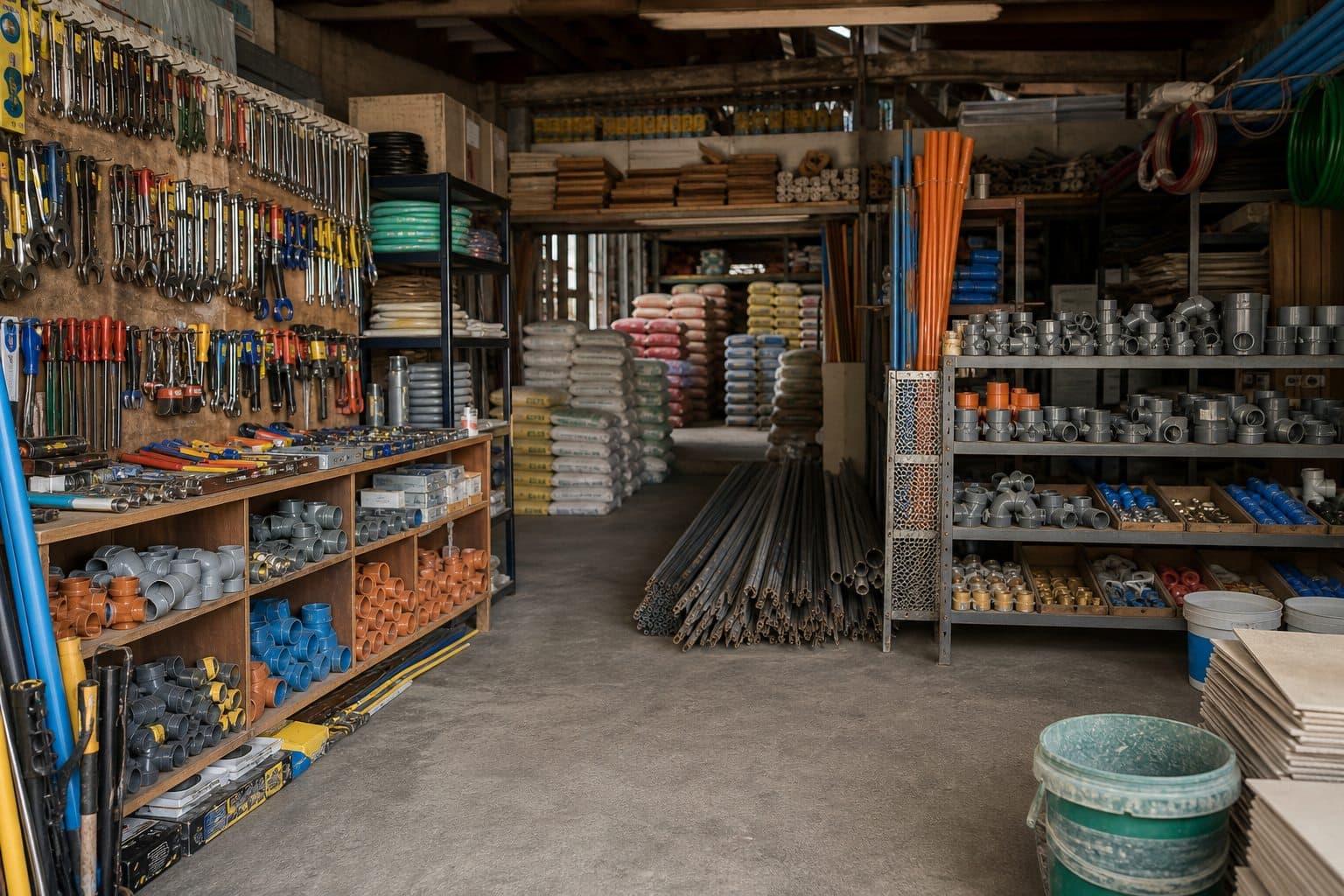
Hardware & Construction Supply
Manage thousands of SKUs, supplier purchases, warehouse stock, contractor quotations, customer credit, and deliveries from one operation.
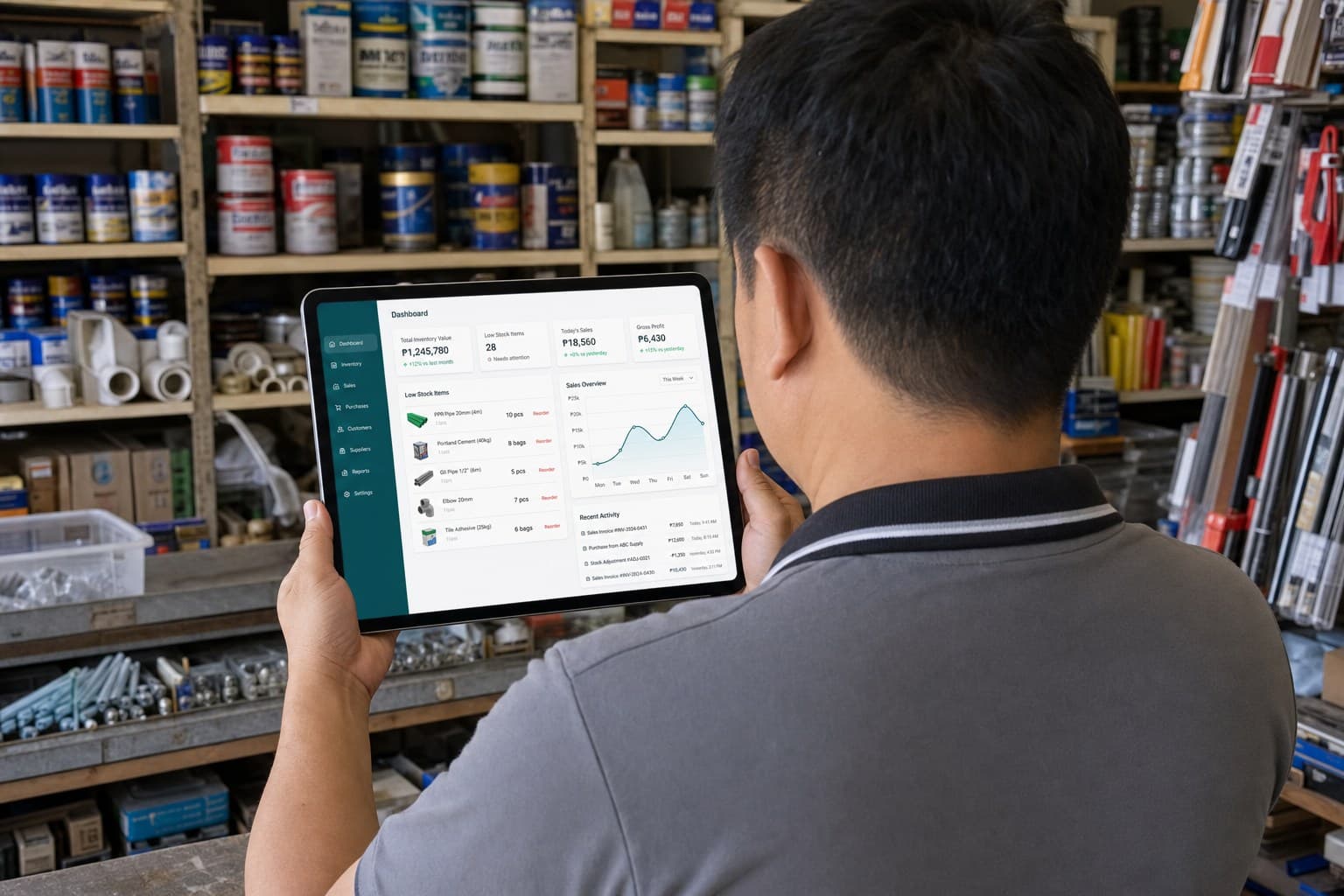
Keep supplier records and purchasing history.
Plan replenishment and group what needs to be bought.
Formalize what you are ordering from each supplier.
Record what arrived and update inventory.
Know what is available, where it is, and how it changed.
Prepare quotes and convert accepted ones into orders.
Fulfill customer orders or record direct sales.
Track charges, payments, statements, and aging.
Schedule, dispatch, complete, or reschedule deliveries.
Understand sales, margins, stock, customers, expiry, and pricing.
Manage thousands of SKUs, supplier purchases, warehouse stock, contractor quotations, customer credit, and deliveries from one operation.

Keep purchasing, receiving, warehouse inventory, customer orders, account balances, and deliveries connected as volume grows.

Keep daily stock and sales simple while adding purchasing, reporting, customer accounts, and structured workflows when you need them.
See sales performance by date, product, category, branch, and payment method.
Compare net sales with recorded product costs to understand gross profit and margin.
See quantities, stock status, and inventory value at cost.
Understand which customers contribute most and track account balances separately.
Compare supplier prices and review historical costs before placing the next order.
Identify expired and expiring inventory before it becomes a larger problem.
Purchasing, inventory, customer orders, credit, sales, and delivery work from related records instead of separate files.
Inventory changes create movements instead of silently replacing quantities, giving you a history behind the current balance.
Receive partial purchase orders, convert accepted quotations into orders, settle customer balances, and track deliveries through completion.
Use the Free plan for basic operations and add more structured capabilities when the business needs them.
Use the operational workflows many growing businesses need before accounting, manufacturing, and enterprise ERP complexity becomes necessary.
Systemize Ops is designed for inventory-based businesses that buy from suppliers and sell to customers, particularly growing retail, wholesale, hardware, construction supply, auto parts, agricultural supply, and similar operations.
Yes. The Free plan includes products, inventory, suppliers, sales, and workspace capabilities for very small businesses getting organized.
Systemize records sales, payments, stock deductions, returns, and customer transactions, but it is broader than a checkout application and is positioned as business operations software.
No. Systemize Ops is not currently a BIR-accredited POS and does not issue official BIR invoices.
Yes. Your business data stays in the same workspace. Paid plans unlock additional modules, features, and higher limits.
Your existing data is preserved. Access falls back to the Free plan until paid access is restored.
Yes. Multi-branch capability is available on plans with sufficient branch capacity, with larger or specialized setups available through Custom.